Product description
Your homeschool week has a lot of moving parts. These nine editable Google Sheets templates give you a place to organize lessons, keep track of plans, and make room for the notes you want to remember.
Choose a layout that fits the way you plan, then personalize the text, colors, fonts, and borders in your own copy. Print your pages for a planner you can use throughout the school year.
What's included
A downloadable access PDF with a link to the Google Sheets templates.
Nine editable weekly planner layouts with different arrangements for children, subjects, and daily plans.
Color and black-and-white options, including lined spaces, open boxes, and checkbox layouts.
Spaces for notes, to-dos, read-alouds, and reflections, depending on the template you choose.
How it works
Download the access PDF using the link in your purchase email.
Open the PDF and click the access button.
Make a copy of the template collection in your Google account.
Choose a layout, personalize your pages in Google Sheets, and print.
You will need a Google account to make and personalize your copy, plus internet access to get started.
This is a digital product. Your shop download is the access PDF; the editable planner templates are accessed through its link. No physical planner will be mailed.
Product description
Your homeschool week has a lot of moving parts. These nine editable Google Sheets templates give you a place to organize lessons, keep track of plans, and make room for the notes you want to remember.
Choose a layout that fits the way you plan, then personalize the text, colors, fonts, and borders in your own copy. Print your pages for a planner you can use throughout the school year.
What's included
A downloadable access PDF with a link to the Google Sheets templates.
Nine editable weekly planner layouts with different arrangements for children, subjects, and daily plans.
Color and black-and-white options, including lined spaces, open boxes, and checkbox layouts.
Spaces for notes, to-dos, read-alouds, and reflections, depending on the template you choose.
How it works
Download the access PDF using the link in your purchase email.
Open the PDF and click the access button.
Make a copy of the template collection in your Google account.
Choose a layout, personalize your pages in Google Sheets, and print.
You will need a Google account to make and personalize your copy, plus internet access to get started.
This is a digital product. Your shop download is the access PDF; the editable planner templates are accessed through its link. No physical planner will be mailed.


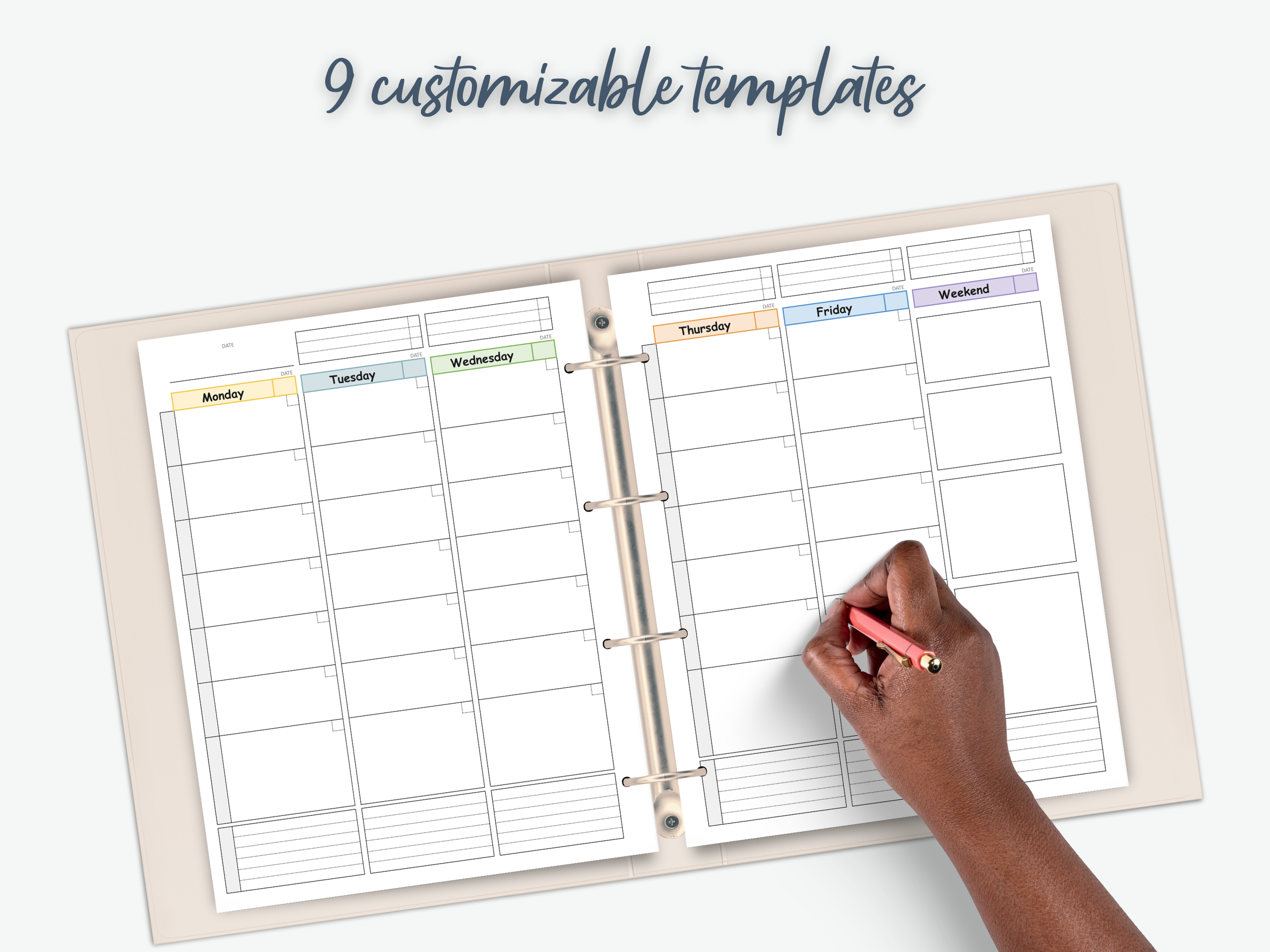 Image 1 of 8
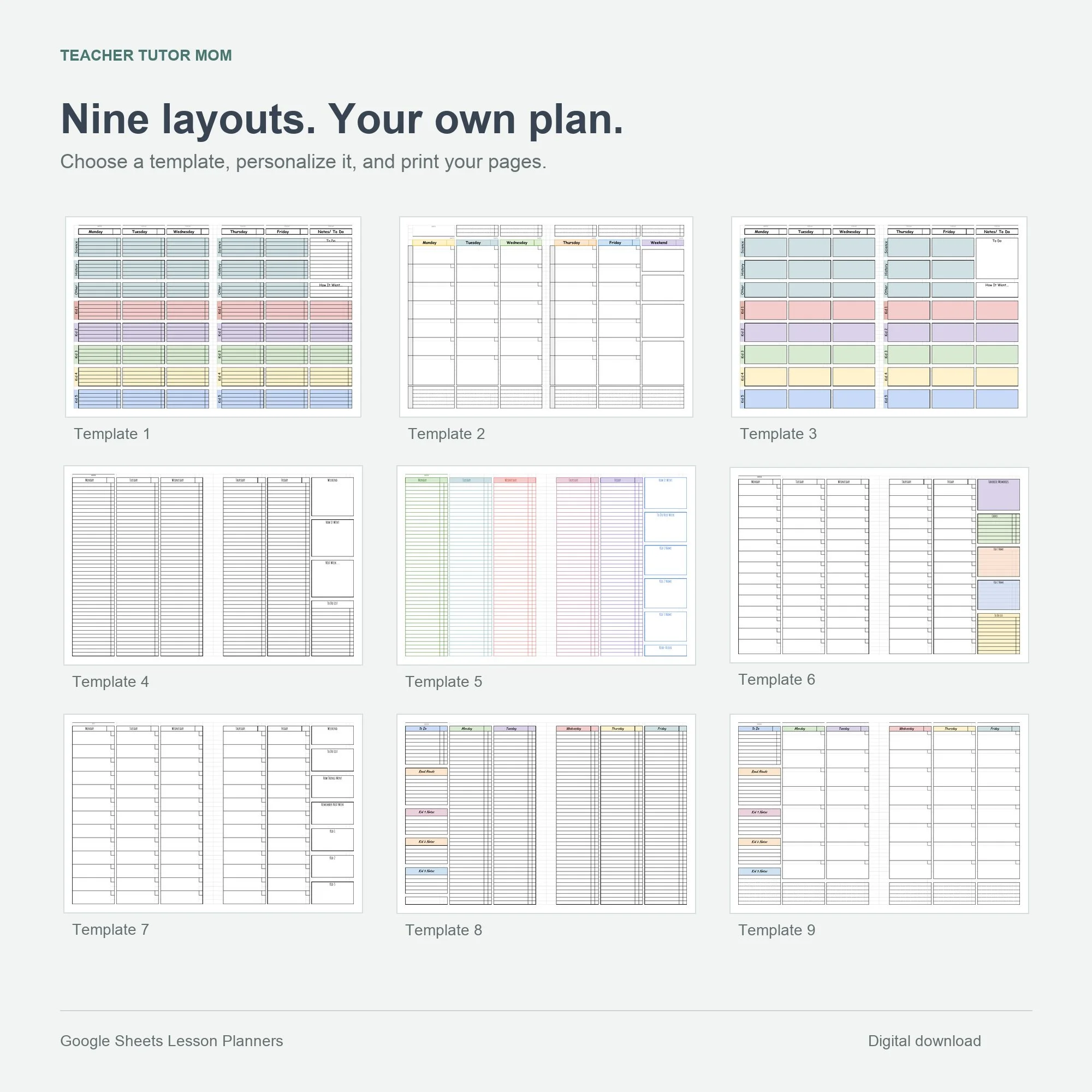 Image 2 of 8
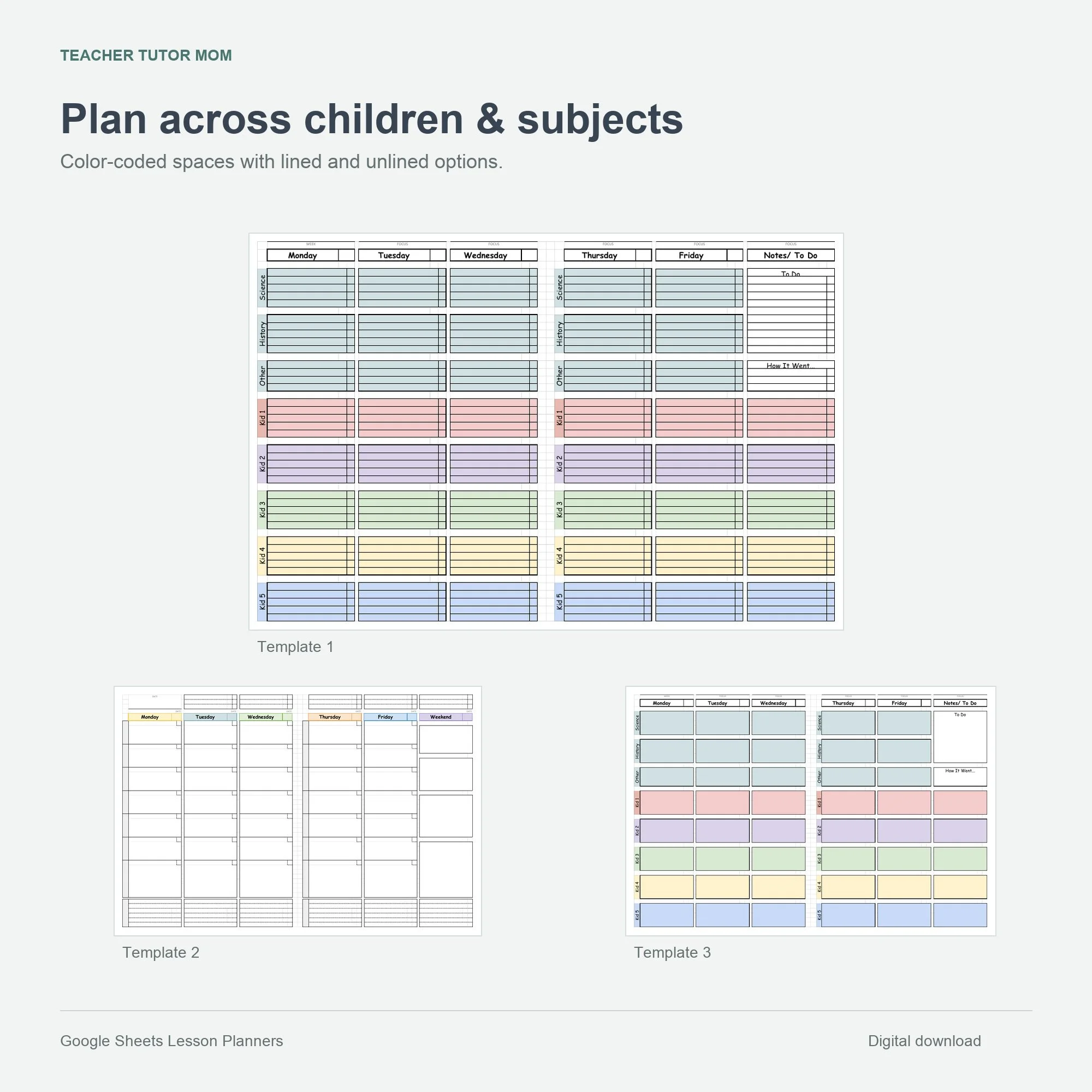 Image 3 of 8
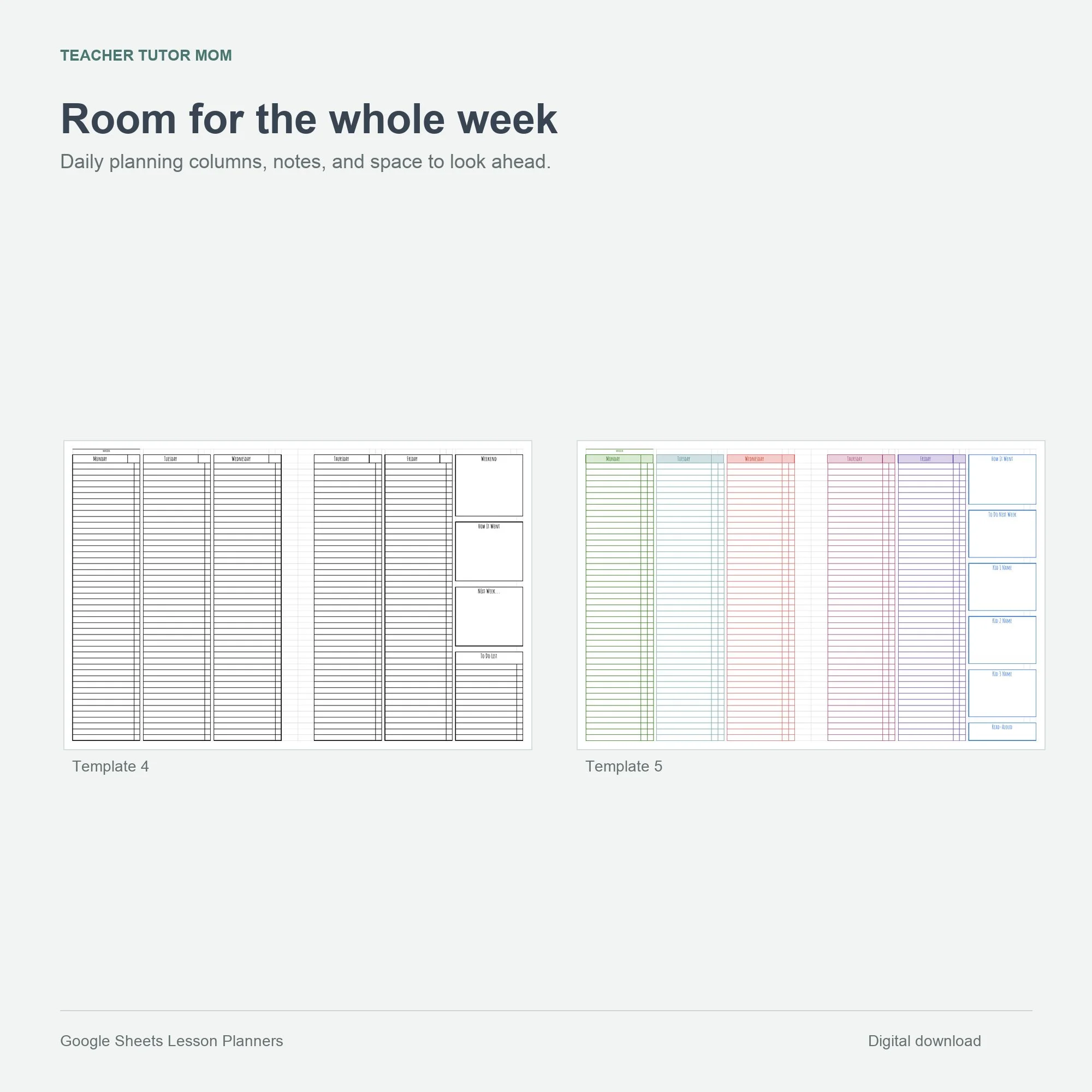 Image 4 of 8
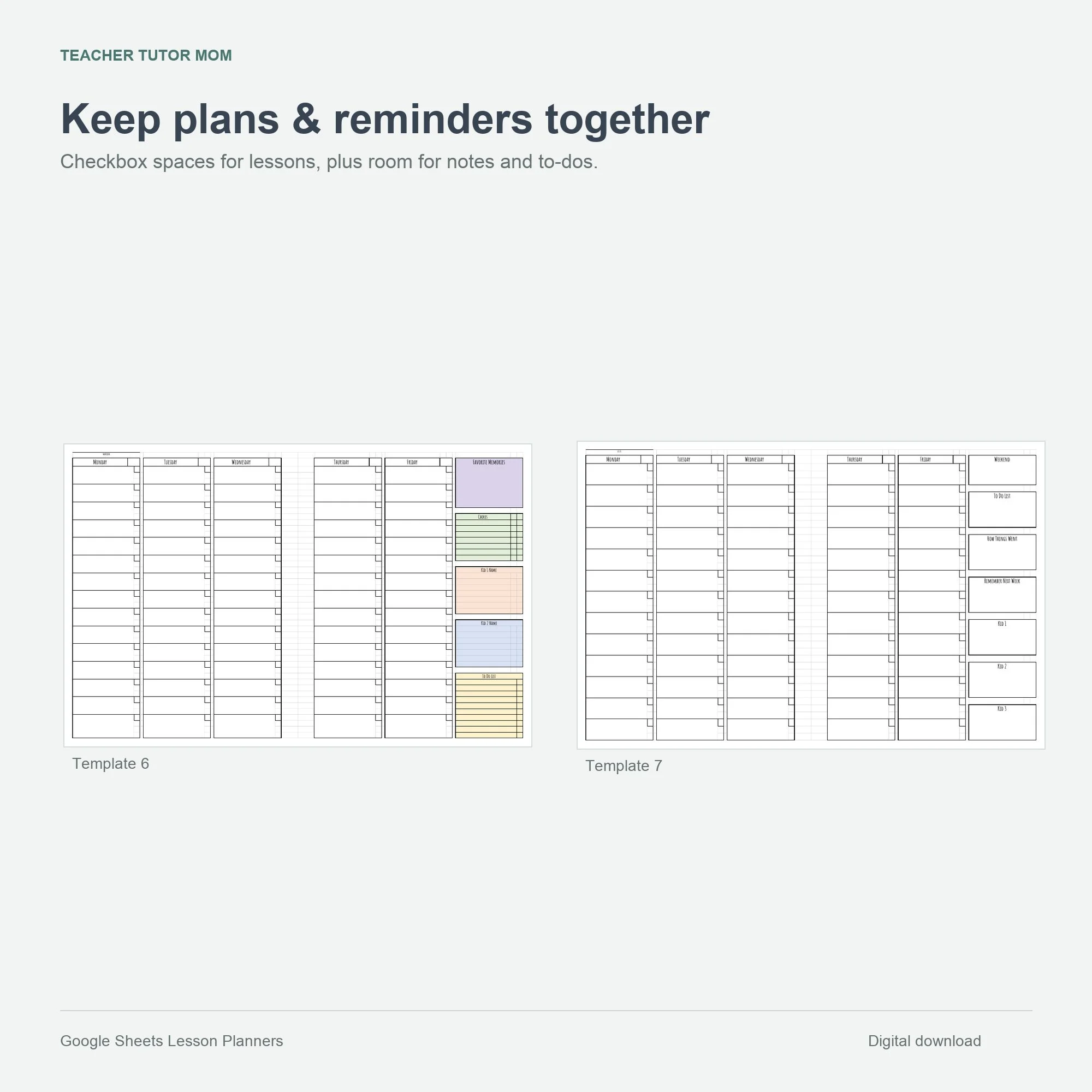 Image 5 of 8
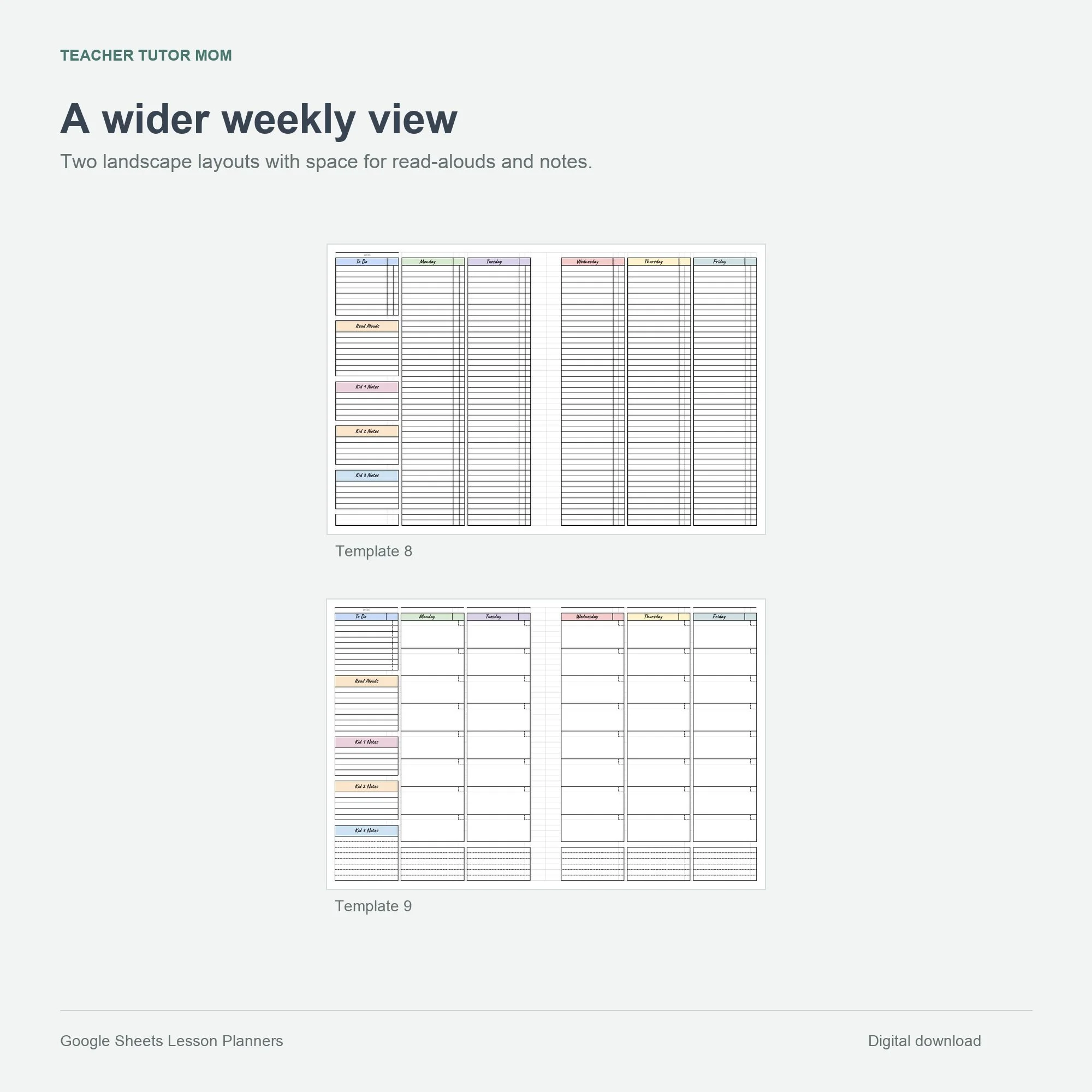 Image 6 of 8
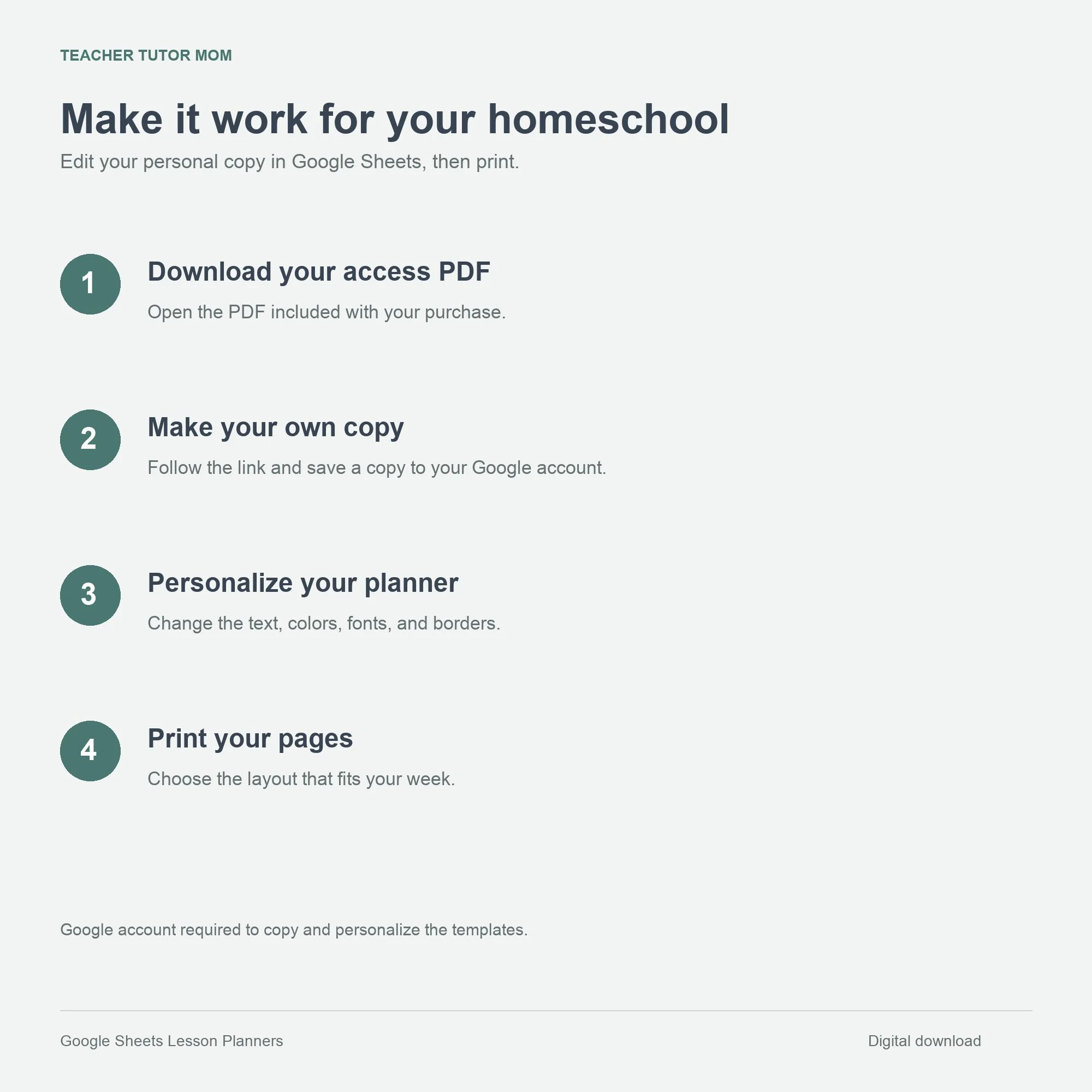 Image 7 of 8
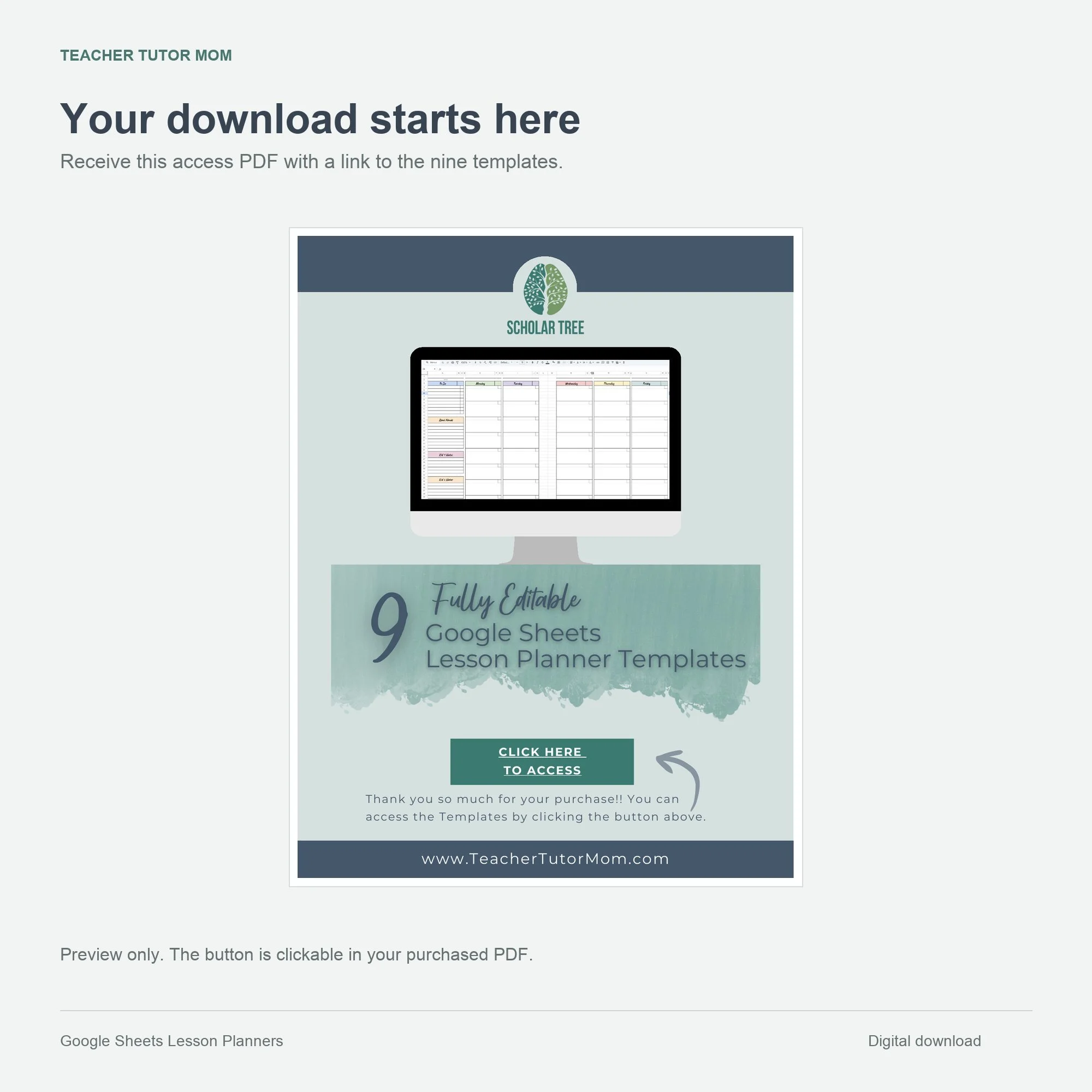 Image 8 of 8